Bulk Crop Images Online
Crop multiple images in one workflow. Upload a batch of images, apply a shared crop ratio, adjust individual crops when needed, and download all cropped images as a ZIP file.
Different originals. The same square shape.
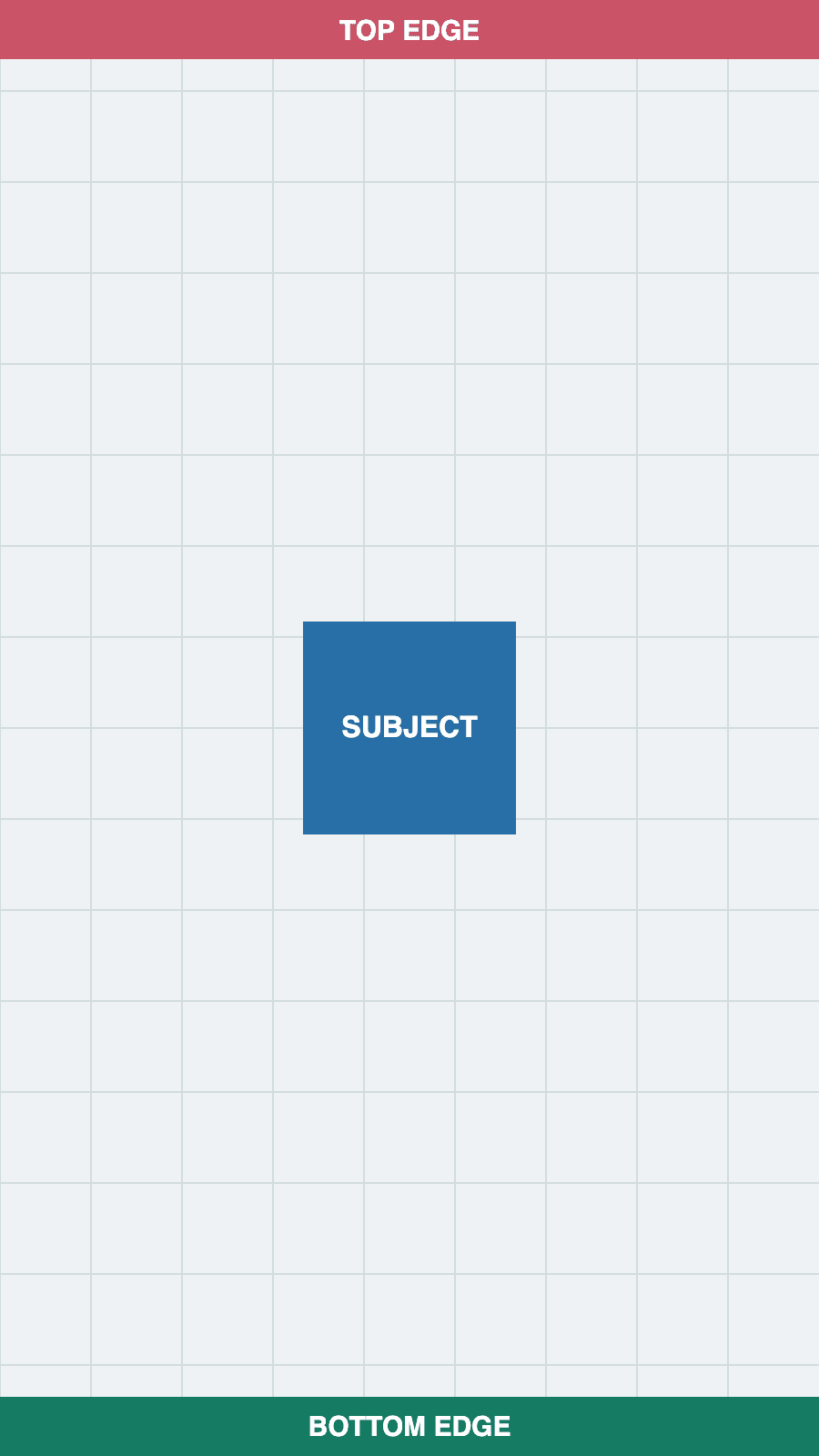
These test images were cropped in this editor and exported as PNG. Both results are 1:1, but their pixel dimensions differ because each crop keeps its source resolution.
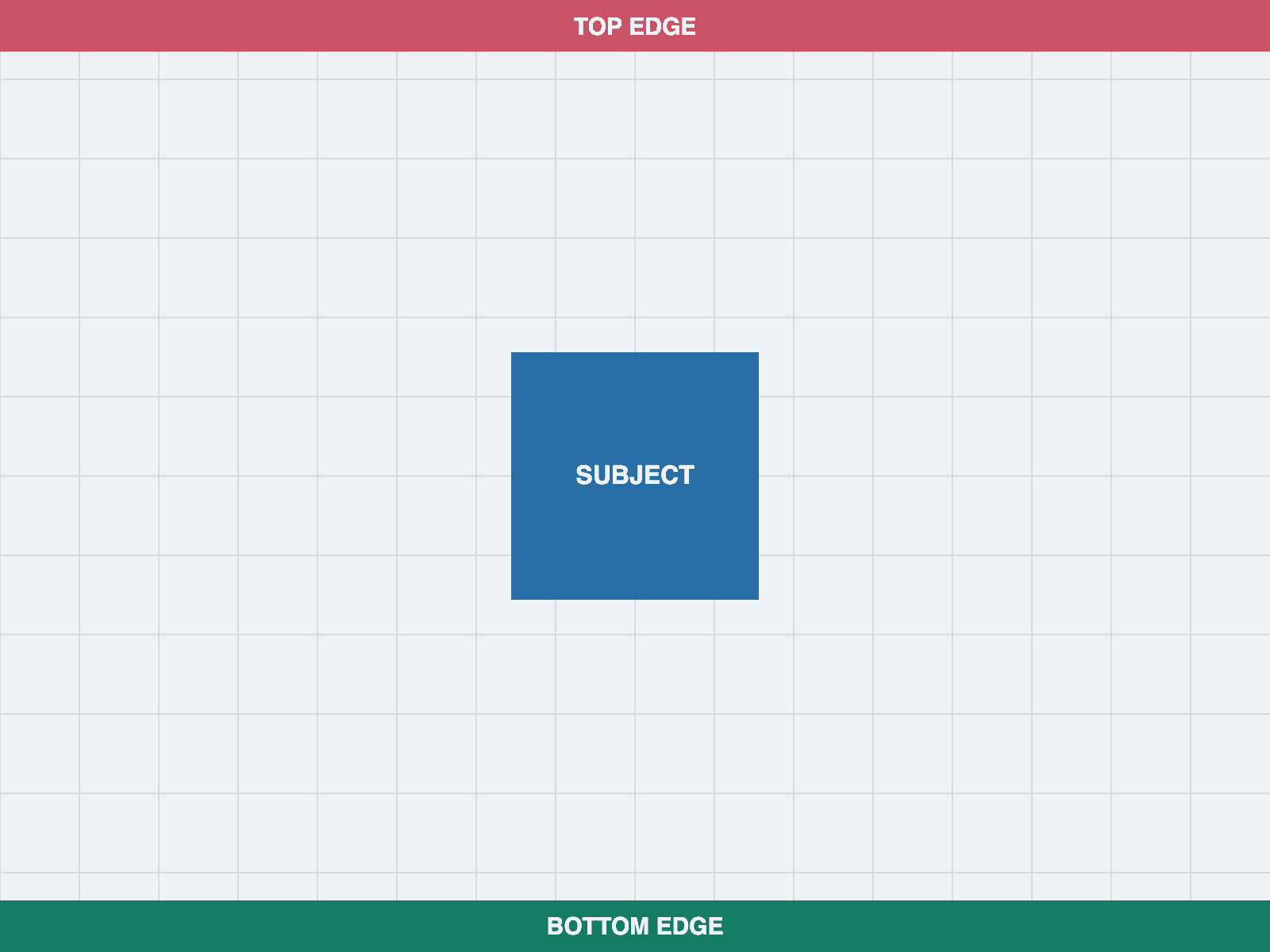
Original · 1600 × 1200
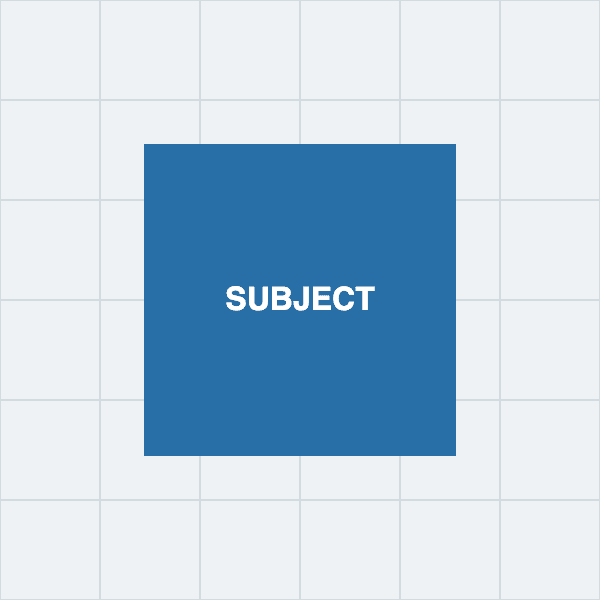
PNG · 600 × 600
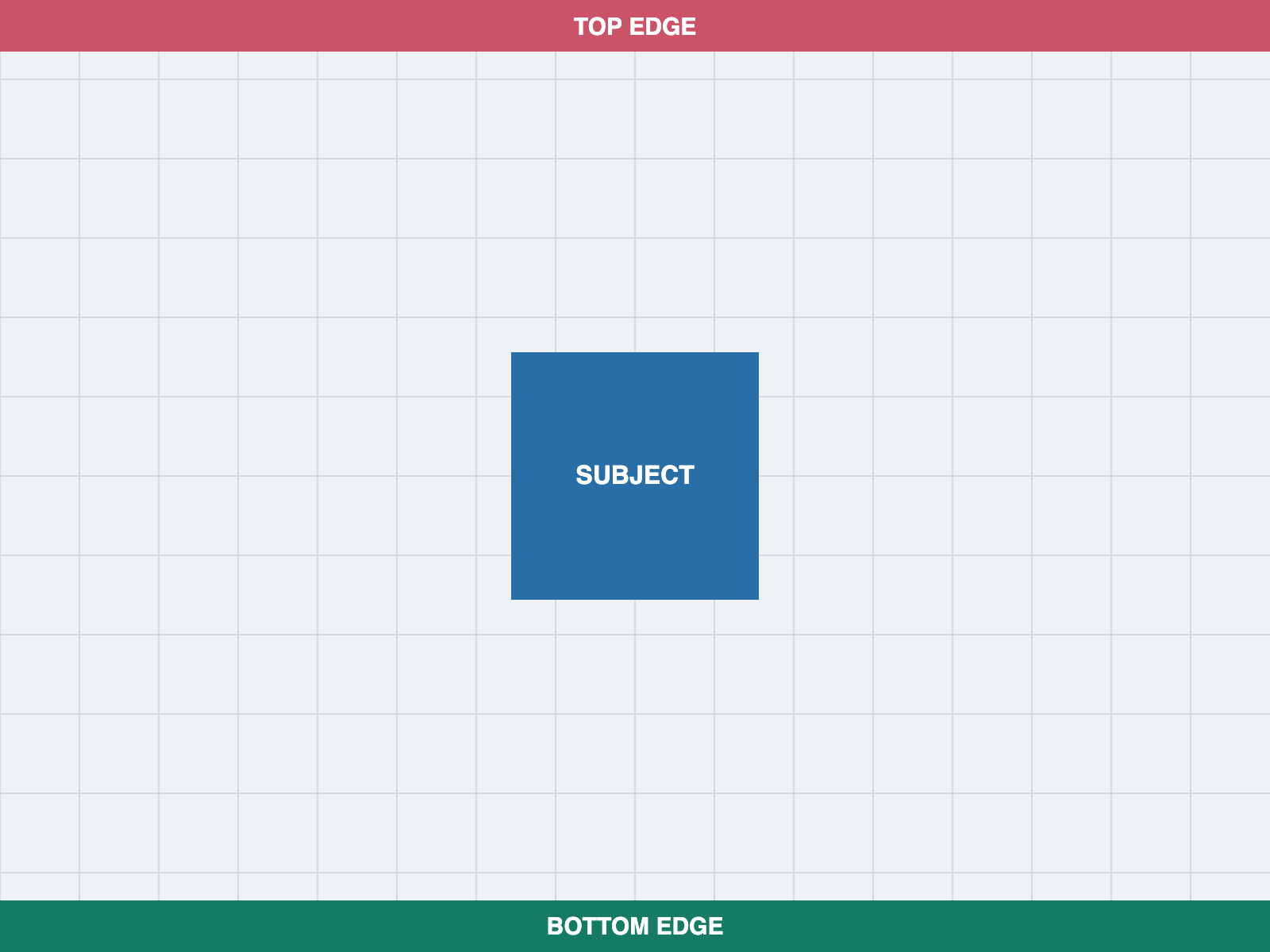
Original · 900 × 1600
PNG · 450 × 450
Mixed-size batch cropping: framing, output sizes and ZIP checks
Batch crop multiple images online
ImageCropKit helps you crop a group of images without editing every file one by one. Upload multiple images, select a shared crop ratio, adjust the crop area, and export the results together. The entire bulk image workflow runs in your browser — no server upload, no account required.
This is useful for preparing product photos, social media images, thumbnails, profile pictures, and AI dataset images that need consistent framing across a large batch.
Apply the same crop ratio across a batch
Choose a common aspect ratio such as 1:1, 4:5, 16:9, or 9:16 and apply it across your uploaded images. Selecting a ratio creates a centered starting crop for each source. Move or resize it around each subject. Apply This Crop to All Images transfers the relative center and crop size while retaining the pixel ratio on mixed originals. It replaces existing selections, so review the batch afterward.
Crop images for social media in bulk
A ratio sets the shape, not the final pixel size. This page keeps each crop at its source pixel dimensions, shown in ZIP contents. For one exact-size image, use crop and resize. For one source in several output sizes, use the creator export pack.
For a complete reference of every platform dimension, see our social media image sizes guide.
Supported image formats
ImageCropKit accepts JPG, PNG, WebP, BMP, and GIF as input. Cropped images can be exported as JPG, PNG, or WebP. JPG works well for photographs where file size matters. PNG preserves transparency and avoids lossy compression. WebP is another option for web assets. Animated GIF input is exported as a still image, not a cropped animation.
Download cropped images as a ZIP file
After cropping, ImageCropKit exports all processed images and packages them into one ZIP file. You can also enter a file name prefix so exported files follow a consistent naming pattern. ZIP contents lists actual names and dimensions. Matching source filenames receive unique suffixes so they do not overwrite one another.
Batch cropping without losing quality
Export creates a new image file. JPG and WebP compression can change detail; resizing can soften edges, and enlarging a small crop cannot restore missing detail. PNG avoids lossy output compression, but metadata and color handling may differ from the original. Keep your source files and inspect an output before processing a large batch.
Private bulk image cropping
All batch processing happens locally in your browser. Your images are not uploaded to a server, which makes this tool useful for private photos, internal screenshots, ecommerce product images, and dataset preparation. Closing the tab clears the editing session; original files and downloads remain on your device.
If your batch is mostly screenshots, start with the screenshot cropperfor one image or trim screenshot when the main task is removing whitespace and extra interface edges.
Related image tools
Other ImageCropKit tools that pair well with the one you are using.